Create with your agent
Claude, Codex, or Gemini composes posters, presentations, reports, wireframes, and multi-page documents.
Visual design · personalized series · documents that stay current
Create a poster, report, or personalized series, then edit, export, and share the result from your agent.
Maket keeps your documents, images, and visual guidelines together on your own machine.
Claude, Codex, or Gemini composes posters, presentations, reports, wireframes, and multi-page documents.
Watch the layout in your browser, annotate an area, or edit the text in place.
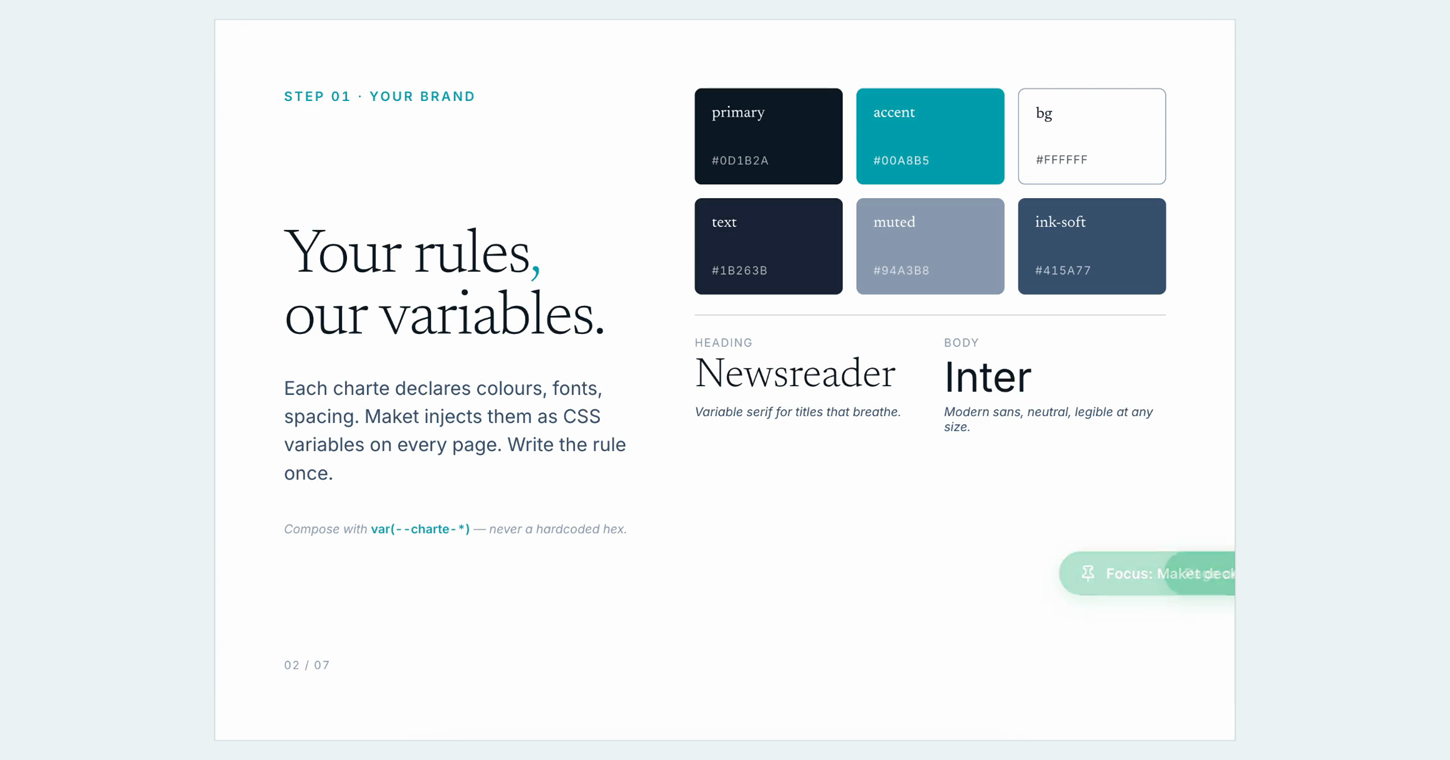
Reuse your colors, fonts, brand rules, and image library across every project.
From a data table, produce a controlled version for every person, product, or event.
Checklists, trackers, forms, and reports evolve with your actions and the changes you ask the agent to make.
Download a PDF for screen or print, or prepare a Gmail draft to review before you send it yourself.
Open ready-made documents, adapt them to your needs, and keep the result.
Switch agents or platforms and keep your library and resources.
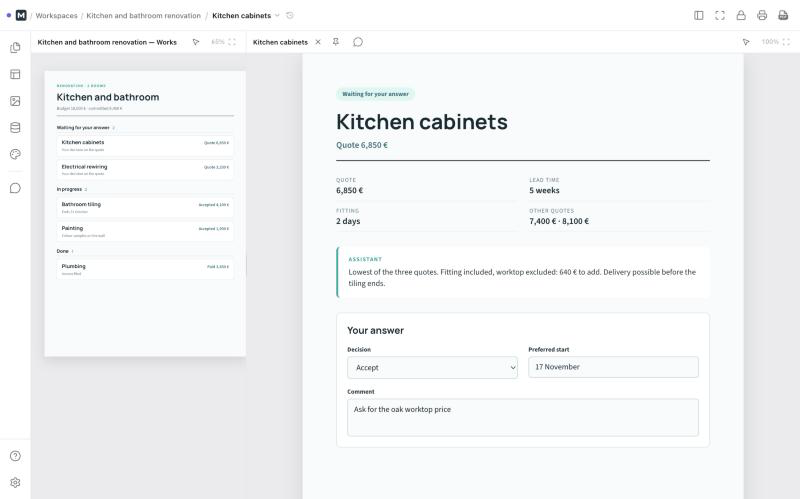
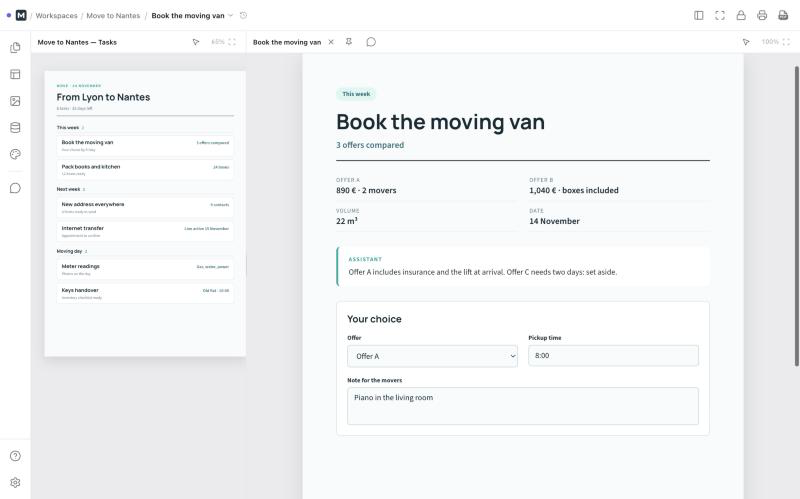
One page per item, a form for your answers, and the assistant continues.
Explore six complete projects in your browser. Each example opens, adapts, and stays available on your own machine.
Open, adapt, and keep them
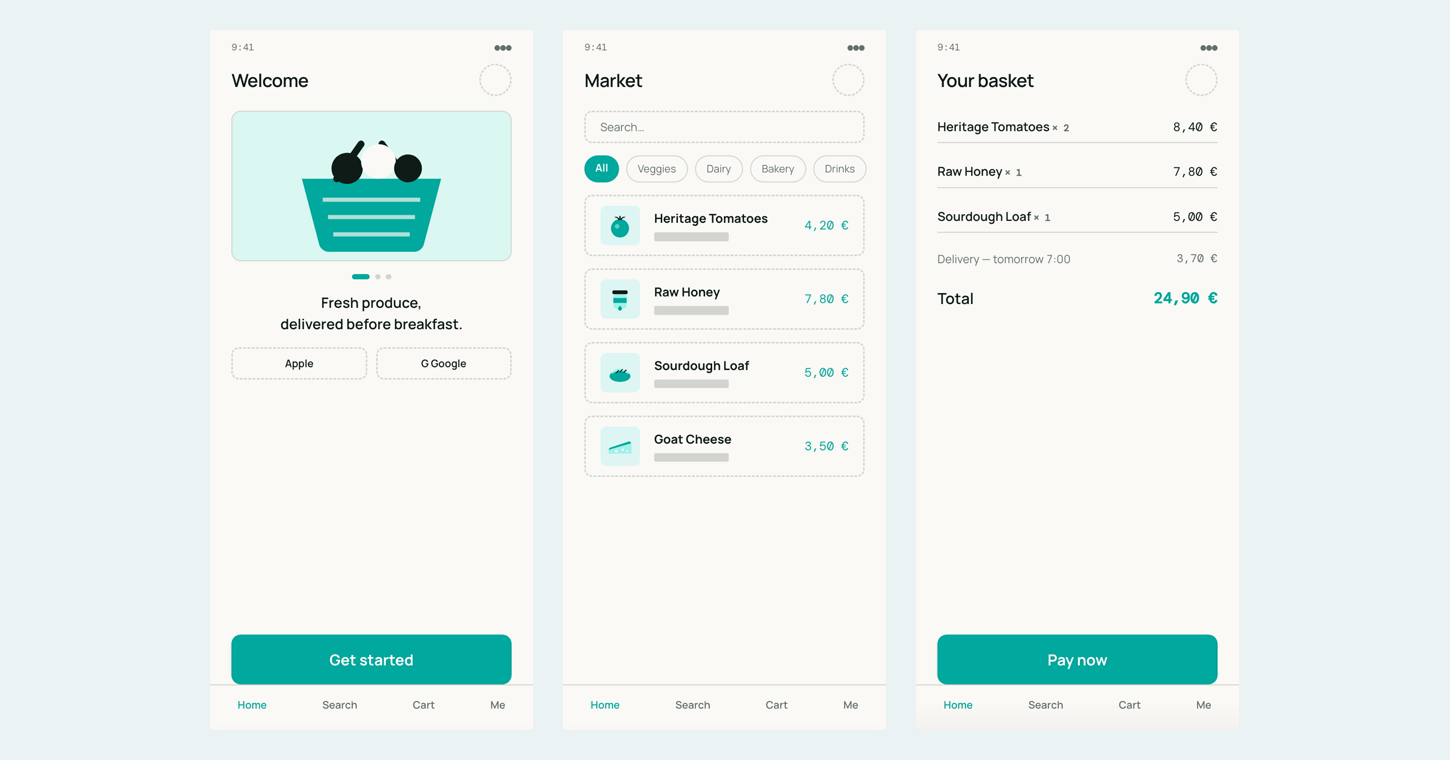

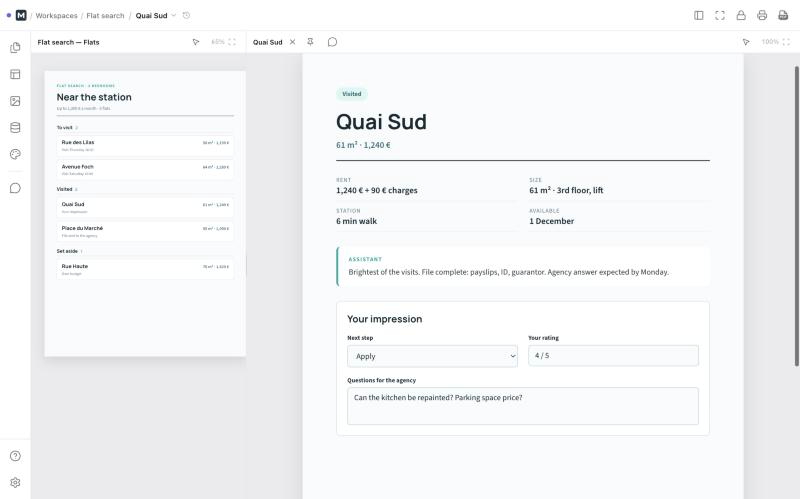
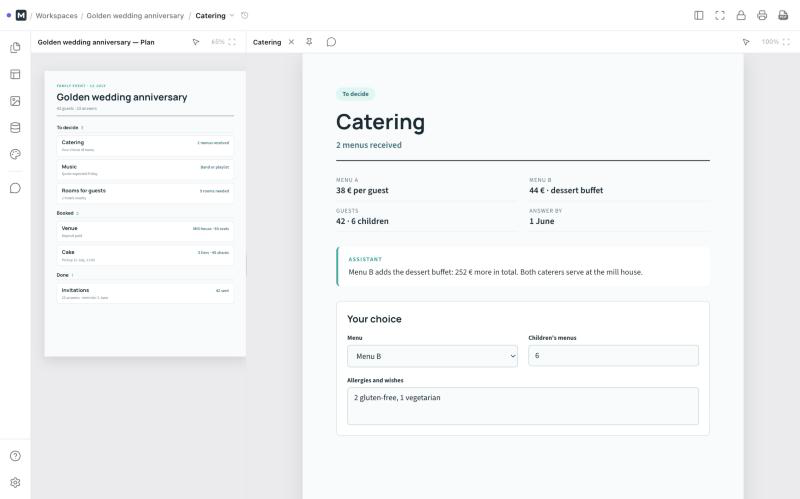
You stay in control. The agent handles composition and revisions.
Give the content, format, and mood from your usual AI client.
Pages appear in your browser as the agent works.
Click an area and leave a note for the agent.
Any agent can pick up the work.
Kept from one session to the next.
Same colors, fonts, and rules for every document.
Images found by keyword.
One version per person, product, or event.
Checklists, forms, and reports updated in place.
Prepare an invitation, label, or product card. Add your data, then let Maket produce one page per entry—like mail merge, with field validation before export.
September 12 · The Perch
Turn a checklist, tracker, form, or report into a document everyone can update. Actions taken on the page and changes requested from the agent stay together.
Owner: Nora · 2 of 3
The app includes everything it needs. Install it, launch Maket, then connect your agents from the first screen.
For automation or CI, Maket Server remains available through npm as the advanced installation path.
Until the first desktop release, these links open the latest snapshot workflow.