VS Code extension
PostgreSQL development, directly in VS Code.
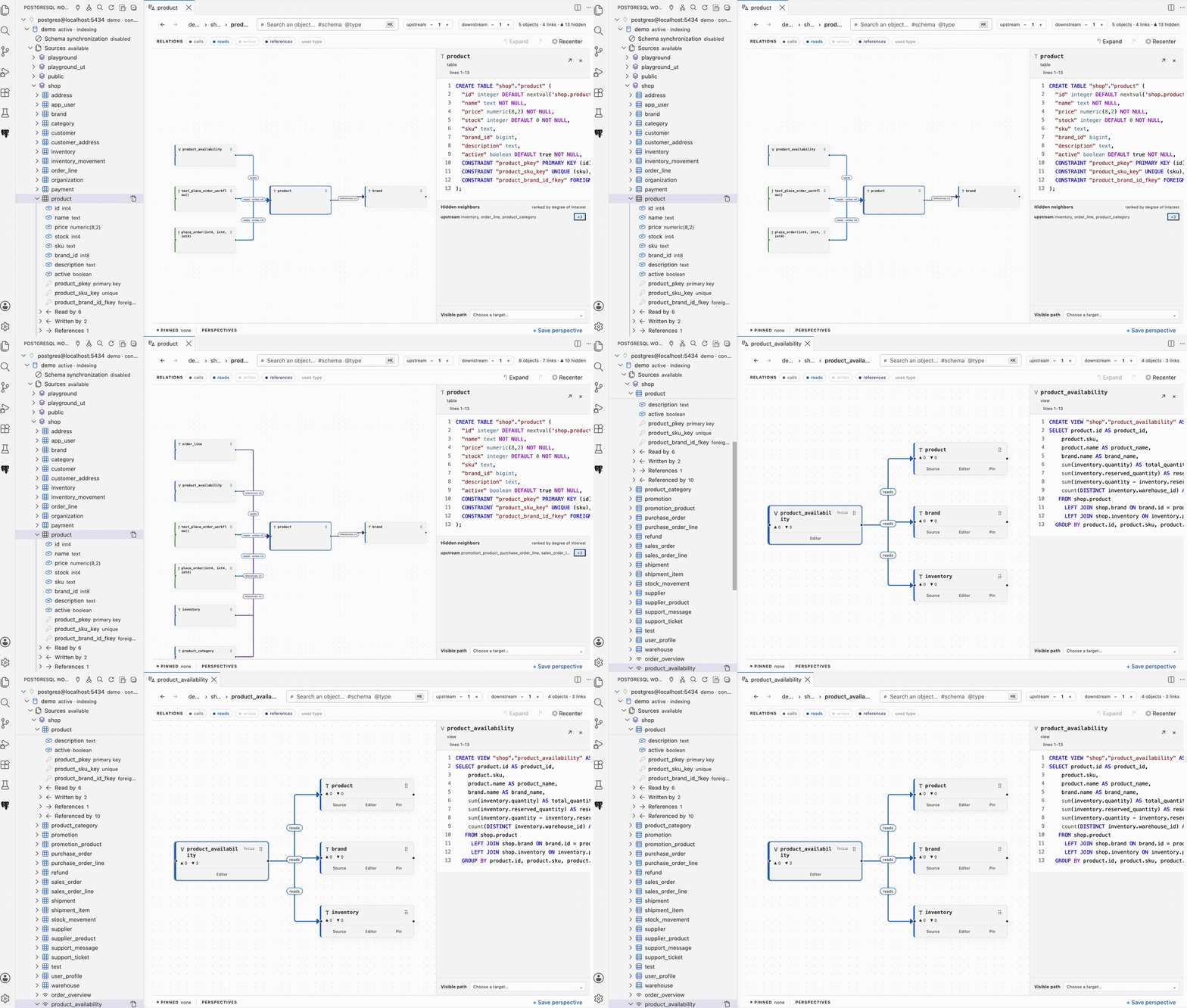
PostgreSQL Workbench is a PostgreSQL development extension for VS Code. Explore schemas, write and run SQL, inspect and edit data, execute pgTAP tests with coverage, and debug PL/pgSQL without leaving the editor.
Features
The PostgreSQL development loop in VS Code.
01
Understand schema relationships.
Select a table, view, routine, or trigger to explore its upstream and downstream relationships. Pin important objects and save perspectives for later.
Cockpit guide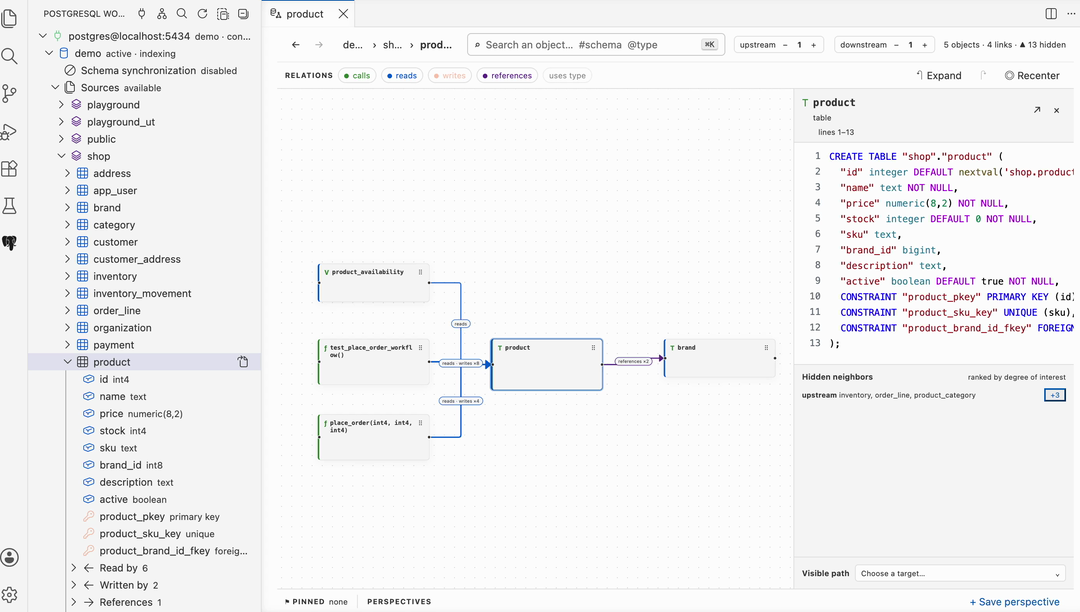
02
Run SQL in persistent scratchpads.
Each scratchpad stays connected to the database you selected. Run multiple statements, page and sort results, inspect structured values, and export result sets.
Scratchpad guide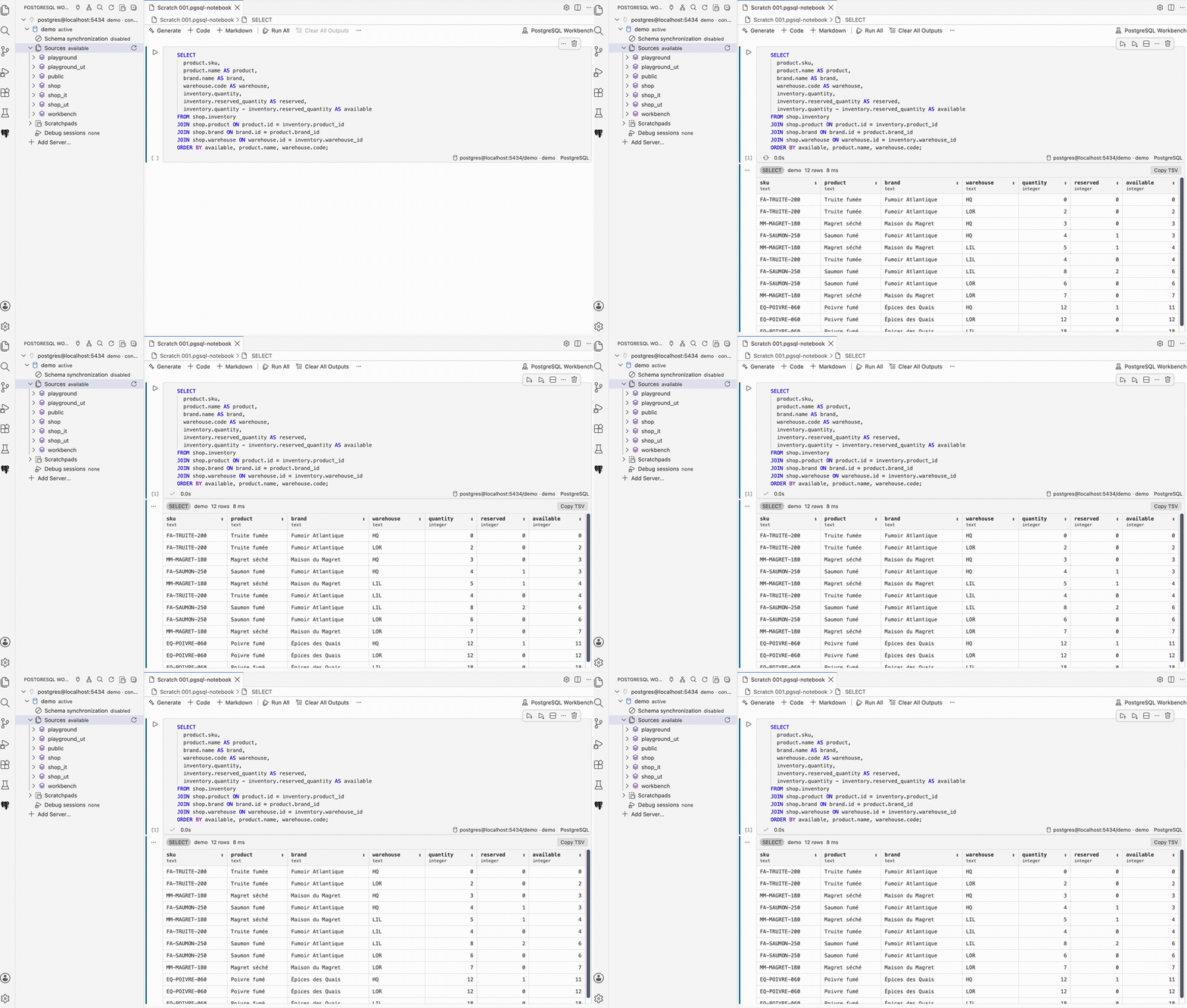
03
Inspect and edit PostgreSQL data.
Open a table, view, or SQL statement in a Data View. Compose joins, filter and sort rows, and export the result. When the query identifies editable rows, stage changes and apply them in one transaction.
Data View guide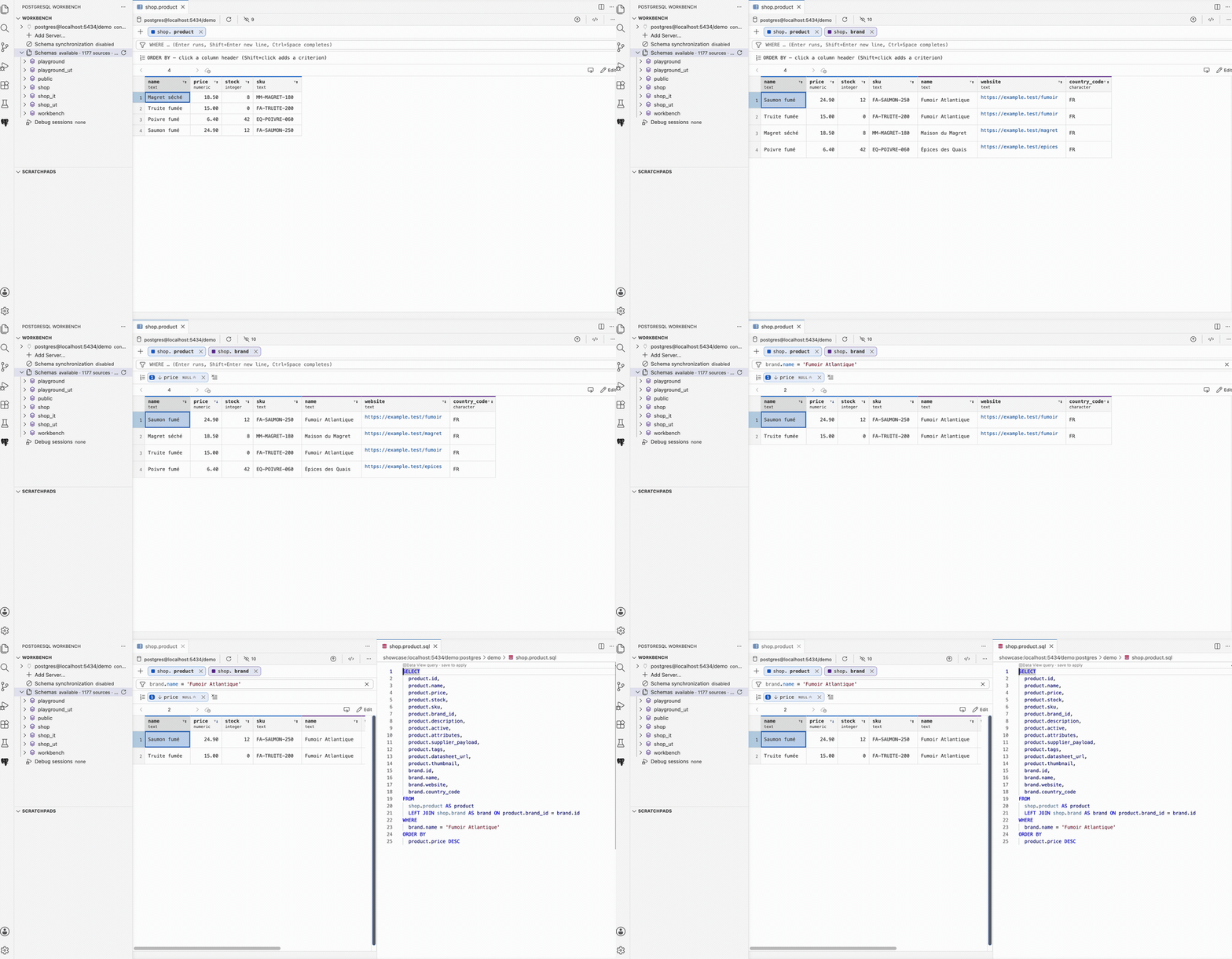
04
Run pgTAP tests with coverage.
Discover tests in the native VS Code Test Explorer, run selected suites, and inspect PL/pgSQL statement and branch coverage directly in the editor.
Testing and coverage guide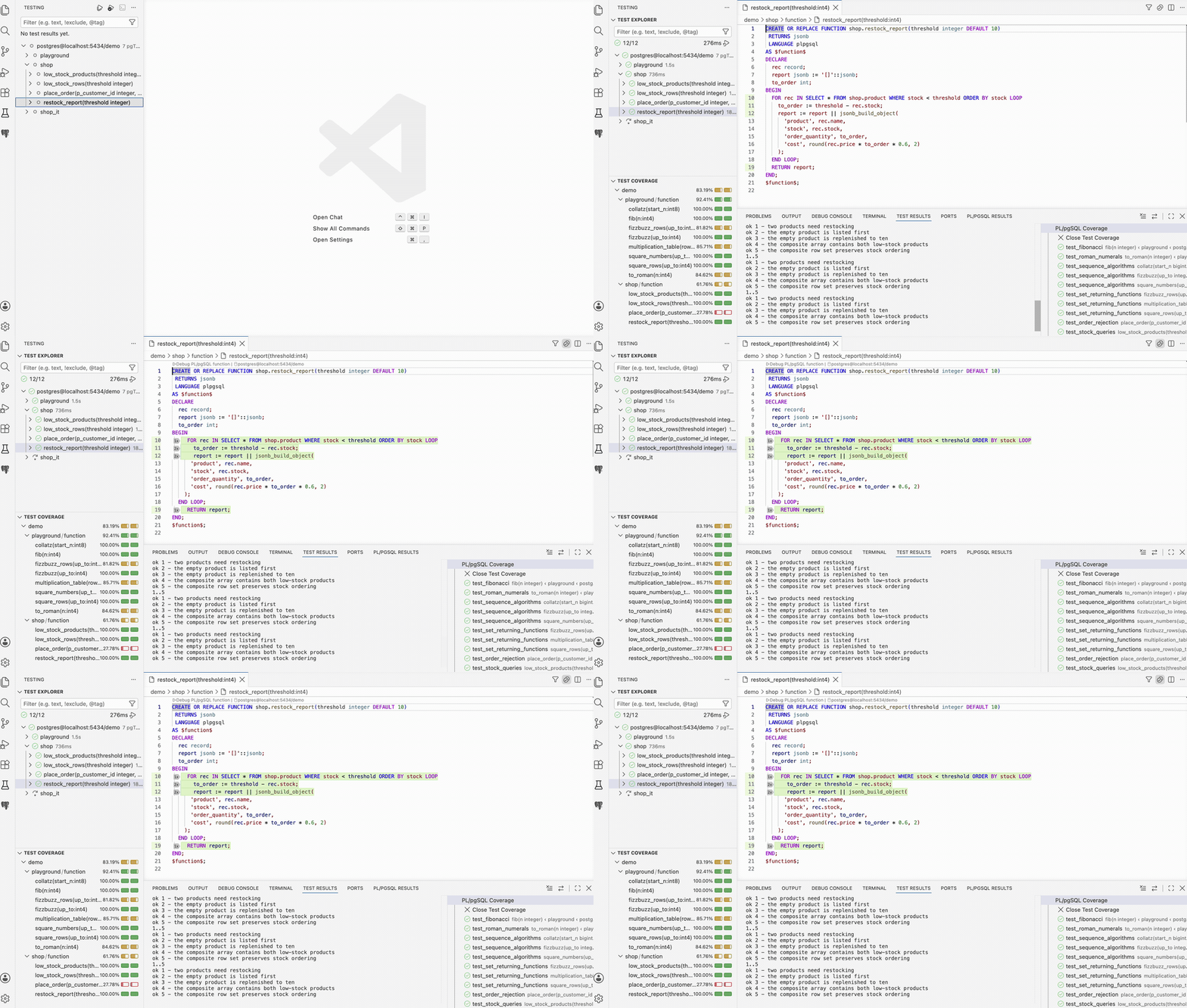
05
Debug PL/pgSQL.
Set breakpoints, step across nested calls, inspect records, arrays, and JSON, change variables, and evaluate SQL from the Debug Console.
Debugger guide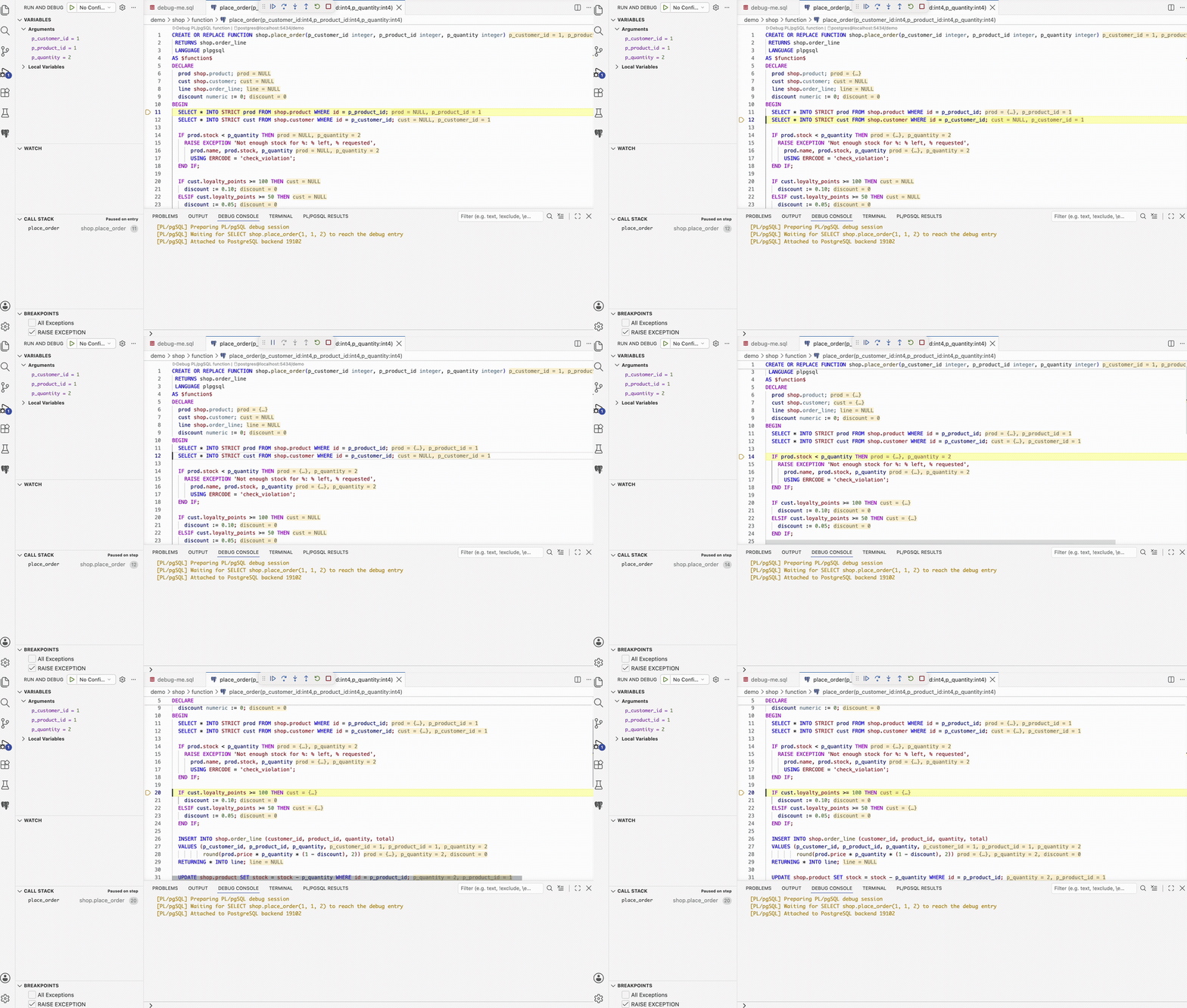
Getting started
Connect your development database.
Use an existing PostgreSQL server, or start a disposable Docker database with the PL/pgSQL debugger already configured.
-
1
Install the extension
Get PostgreSQL Workbench from the Visual Studio Marketplace.
-
2
Add a connection
Open PostgreSQL Workbench and add your Connection. For a disposable local server, run PostgreSQL Workbench: Start Local Debug Database (Docker).
-
3
Index the database
Open Sources to build the schema index, then explore relationships, run SQL, test routines, or start debugging.
docker run -d --name pg-debug \
  -p 127.0.0.1:5432:5432 \
  -e POSTGRES_PASSWORD=postgres \
  galien0xffffff/postgres-debugger:17
Disposable local credentials: database, user, and password are postgres.
Documentation
Guides and reference.
Follow a workflow guide or browse the generated reference for every command and setting.

Visual Studio Marketplace